Broker Integrations
Built for complete portfolio tracking.
Connect supported brokers, import CSV files, or add manual trades so every account feeds into one portfolio dashboard.



Every integration path feeds the same portfolio system, so coverage can expand without breaking the tracking workflow.
Set up the right connections without rebuilding your portfolio
Use live broker sync where it fits, add CSV imports where it needs more coverage, and keep the end result consistent inside Navero.
Connect your brokers
Use a supported broker connection, or upload broker exports CSV if you need more historical coverage.
Two integration paths, one portfolio dataset
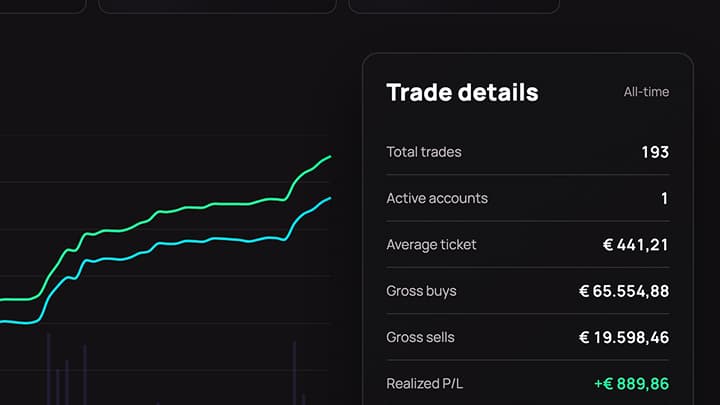
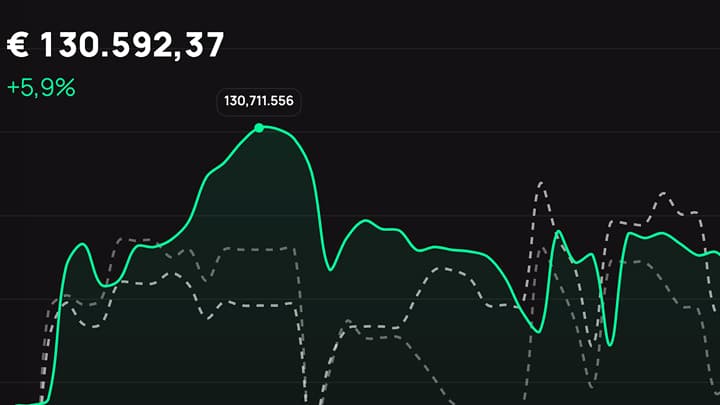
Navero supports both live connections and CSV imports because broker coverage is not uniform. Live sync reduces manual work, while CSV import gives broader compatibility when APIs are unavailable, delayed, or not deep enough for the history you want to track.
Use live connections when ongoing sync matters most
Best for supported brokers and exchanges already available in Navero. It shortens setup, reduces repeat exports, and keeps new activity flowing into the portfolio over time.
- Guided broker authorization flow
- Strong fit for active accounts and recurring updates
- History depth and sync timing still depend on the connected broker and provider
- CSV imports can extend older trade history and improve performance backfill
Use CSV import when coverage and control matter more
CSV import works across every plan and covers brokers that do not have a stable live route yet. It is also the better option when you want direct control over the source data or need to extend historical performance further back.
- Upload broker exports or statements directly
- Useful for unsupported brokers or restricted provider paths
- Helpful even after a live connection when older history or missing rows need to be filled
Current integration coverage
This table lists the broker and import paths that are available in Navero today.
| Broker | Coverage | Current limitation |
|---|---|---|
 BitvavoConnectedNo specific limitation listed BitvavoConnectedNo specific limitation listed | Live connection | No specific limitation listed |
 Interactive BrokersConnectedNo specific limitation listed Interactive BrokersConnectedNo specific limitation listed | Live connection | No specific limitation listed |
 LYNXConnectedUses the same IBKR Flex path as Interactive Brokers. LYNXConnectedUses the same IBKR Flex path as Interactive Brokers. | Live connection | Uses the same IBKR Flex path as Interactive Brokers. |
 MexemConnectedUses the same IBKR Flex path as Interactive Brokers. MexemConnectedUses the same IBKR Flex path as Interactive Brokers. | Live connection | Uses the same IBKR Flex path as Interactive Brokers. |
 EasyBrokerConnectedUses the same IBKR Flex path as Interactive Brokers. EasyBrokerConnectedUses the same IBKR Flex path as Interactive Brokers. | Live connection | Uses the same IBKR Flex path as Interactive Brokers. |
 DEGIROConnectedNo specific limitation listed DEGIROConnectedNo specific limitation listed | Live connection | No specific limitation listed |
 Trading 212ConnectedNo specific limitation listed Trading 212ConnectedNo specific limitation listed | Live connection | No specific limitation listed |
 BUXConnectedNo specific limitation listed BUXConnectedNo specific limitation listed | Live connection | No specific limitation listed |
 AJ BellConnectedNo specific limitation listed AJ BellConnectedNo specific limitation listed | Live connection | No specific limitation listed |
 Robinhood UKConnectedNo specific limitation listed Robinhood UKConnectedNo specific limitation listed | Live connection | No specific limitation listed |
 Webull UKConnectedNo specific limitation listed Webull UKConnectedNo specific limitation listed | Live connection | No specific limitation listed |
 BinanceConnectedNo specific limitation listed BinanceConnectedNo specific limitation listed | Live connection | No specific limitation listed |
 KrakenConnectedNo specific limitation listed KrakenConnectedNo specific limitation listed | Live connection | No specific limitation listed |
 CoinbaseConnectedNo specific limitation listed CoinbaseConnectedNo specific limitation listed | Live connection | No specific limitation listed |
 tastytradeConnectedNo specific limitation listed tastytradeConnectedNo specific limitation listed | Live connection | No specific limitation listed |
 ING BeleggenCSV importUpdate with a new export or add trades manually. ING BeleggenCSV importUpdate with a new export or add trades manually. | CSV import | Update with a new export or add trades manually. |
 Rabobank BeleggenCSV importUpdate with a new export or add trades manually. Rabobank BeleggenCSV importUpdate with a new export or add trades manually. | CSV import | Update with a new export or add trades manually. |
 SaxoCSV importUpdate with a new export or add trades manually. SaxoCSV importUpdate with a new export or add trades manually. | CSV import | Update with a new export or add trades manually. |
Start simple. Connect when you're ready.
Move from manual tracking to fully connected workflows as your portfolio grows.
Founder pricing applies to all plans while spots remain available.
Basic
For investors starting with a simple, manual portfolio setup
Advanced
For investors ready to automate their portfolio with broker connections
Pro
For investors who want full history and real-time market visibility
Frequently asked questions
SnapTrade is the connectivity layer Navero uses for supported broker connections. It handles the external brokerage authorization step so eligible accounts can sync into Navero.